
Name-Based Case Searches
The Grand-prefiltered Colorado Judicial Branch Docket Search is the free, official place to begin. Grand comes preselected, but the form demands at least one more filter beyond the date. Pick Individual to get first and last name fields. Pick Business for a single business-name field. One caveat matters here: results show settings only, so a case with no hearing inside the chosen range simply will not appear.
Lead with your narrowest facts. That trims unrelated rows and makes the court, appearance mode, and room simpler to confirm. A practical search looks like this:
- Select Grand and choose County, District, or Both.
- Choose Individual or Business and enter the matching name fields.
- Select a date window from Today through Six Months, or use Specific Date.
- Review the case number, hearing type, location, appearance type, and courtroom.
- Print or export only as a working copy, then recheck close to the hearing.
The search controls below are the fields documented on the official form.
| Field | Type | Required | Use |
|---|---|---|---|
| County | Dropdown | One non-date filter is required | Select Grand |
| Court Type | Dropdown | No | County, District, or Both |
| Individual or Business | Radio control | No | Changes the name fields |
| First and Last Name | Text | No | Individual mode |
| Business Name | Text | No | Business mode |
| Date Range | Dropdown | Yes | Six Months to Today, or Specific Date |
Grand County Docket Search Filters
More filters are available. The portal takes a judicial district, a courthouse, or a division. It also takes an attorney name or an attorney bar number. Grand sits in the Fourteenth Judicial District. Once the county is chosen, the courthouse field resolves to Grand County Judicial Center. Selecting district and county together guards against stray cross-county results.
The official form offers Find Dockets and Clear Results. Each page shows twenty results, which can be exported or printed. The Branch publishes no wildcard rules, refresh schedule, export format, or maintenance window. Do not guess at any of that.
Grand County Search Date Windows
The date menu offers Six Months, Three Months, One Month, One Week, Today, and Specific Date. Choosing Specific Date opens a separate date input. When you roughly know the hearing date, start tight. A date alone will not work, though. The Grand County docket search insists on one more criterion, such as county, court, name, case number, division, or attorney information. Widen the window only after the first facts come up empty.
Case Number Searches
Grand County case numbers do not go into one free-text box. Split the identifier into a four-digit year, a case-class code, and a numeric sequence. A printed identifier like 2026CR123 is entered as year 2026, class CR, and sequence 123. Copy the returned number exactly before calling the clerk.
The class codes also hint at court type. District Court commonly uses CR for felony, CV for general civil, DR for domestic relations, PR for probate, CW for water, and JD or JV for restricted juvenile matters. County Court uses M for misdemeanor, C for limited civil, S for small claims, and T or R for traffic. The portal lists the codes but adds no plain-language expansions beside them.
Grand County Court Level Choice
County Court is the right level for most settings. It covers misdemeanor, traffic, small-claims, eviction, protection-order, and limited civil matters. District Court handles felony, general civil, domestic, probate, juvenile, mental-health, and water matters. When the filing level is uncertain, search both. That is also the sound choice for a felony complaint. It may still sit in its preliminary County Court stage.
A town-issued ordinance or municipal traffic case may never appear under Grand. Read the citation or notice and contact the named municipal clerk.
Granby keeps its own municipal files. Fraser and Winter Park share a municipal court, and those records are held through Winter Park. A payment page is not a full case-register search. Kremmling and Hot Sulphur Springs offer no indexed official court portal, so the citation and the official town contact are the supported starting points there.
Grand County Party Search Modes
Individual mode exposes first and last name fields. Business mode swaps in a single business-name field. Attorney mode searches by the lawyer's name or bar number. That helps when party spelling is shaky but counsel is known.
Remember what these modes return. They give scheduled rows, not a complete list of every matter tied to a person, company, or lawyer. Results stay bounded by the selected dates, court level, county, and public-access limits.
Case Search Results Explained
A Grand County search result is a setting card. It does not open pleadings or show a full filing history. One case can generate several rows. So count rows with care; row count is not case count. Duration is allotted calendar time, not the actual finish time. Hearing type describes what is scheduled and proves nothing about the eventual ruling.
| Date and time | The scheduled start shown in the current search result. |
|---|---|
| Duration | Time reserved on the court calendar. |
| Name | The result's case-style or caption label. |
| Case number | The year, class code, and sequence identifying the matter. |
| Hearing type | A scheduling label, not a final outcome. |
| Location | The county and courthouse context. |
| Appearance type | IN PERSON, VIRTUAL, or TELEPHONE when shown. |
| Courtroom | The assigned room identifier. |
Read appearance labels with care. A VIRTUAL result grants no permission by itself, and a public livestream is not an appearance. Get approved connection details from the court.
Grand County Search Versus ROA
The free calendar answers when and where. A register of actions, or ROA, goes further. It gives a chronological case summary that may include charges, sentences, and minute orders. The Branch points users to CoCourts/LexisNexis for a fee-based, real-time ROA view. Treat that data with caution, though. Vendor records are nonofficial, may omit cases, and supply no document copies.
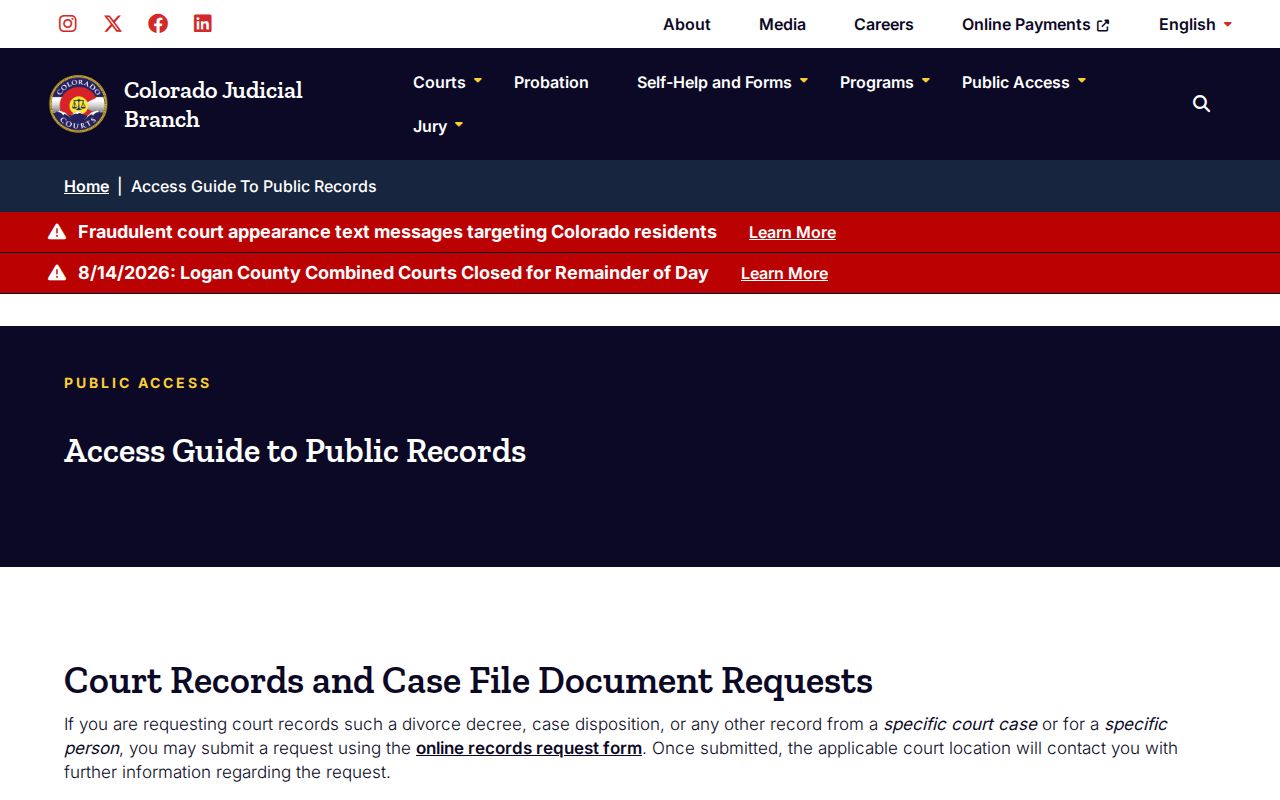
The Judicial Branch access guide explains the divide among court files, criminal justice records, vendor searches, and administrative records. That official page shows why a calendar row, a vendor register, and a clerk-authenticated document are three different things.
An ROA entry only lists a filing. It does not quote it. If the exact wording of a signed order or pleading matters, ask the clerk for the document itself.
Grand County Calendar Snapshots
Export Results and Printable Version each preserve a useful working view. Neither one shows the history of a reset. Neither turns the calendar into a certified record. Check the current portal again before court. If a saved copy conflicts with a fresh result, trust the fresh result and call the clerk. A continuance may appear later in the official ROA. The free setting card does not expose that chronology.
Two Ways to Search: County and State
Colorado runs a single statewide Judicial Branch Docket Search with county filters. There is no separate Grand County full-register portal. The same interface covers scheduled hearings across participating state trial courts. Grand's prefiltered URL just trims the setup work. Municipal court files stay with their towns. An appeal or another proceeding must open a state-court case for them to move.
| Route | What it provides | Best use |
|---|---|---|
| Grand-prefiltered Docket Search | Free scheduled-hearing rows | A known Grand County setting |
| Statewide Docket Search | The same schedule interface across counties | Uncertain Colorado venue |
| CoCourts vendor | Fee-based, nonofficial ROA data | Orientation to event history |
| Clerk request | Official ROA, papers, or certified copies | Authoritative court record |
Start with the county-filtered view when you know the matter is in Grand. When the Colorado venue is unclear, search the statewide layer first, then go to the clerk it points to for the official case file.
Grand County Official Record Requests
When docket search results leave questions open, file the Judicial Record and Document Request. The form asks for your contact details, a case number or a case type with year, the location, party information, and the record you want. Options run from an ROA or ticket to a complaint or information, a disposition and sentence order, civil judgment papers, domestic documents, and probate papers. That official page spells out each choice.
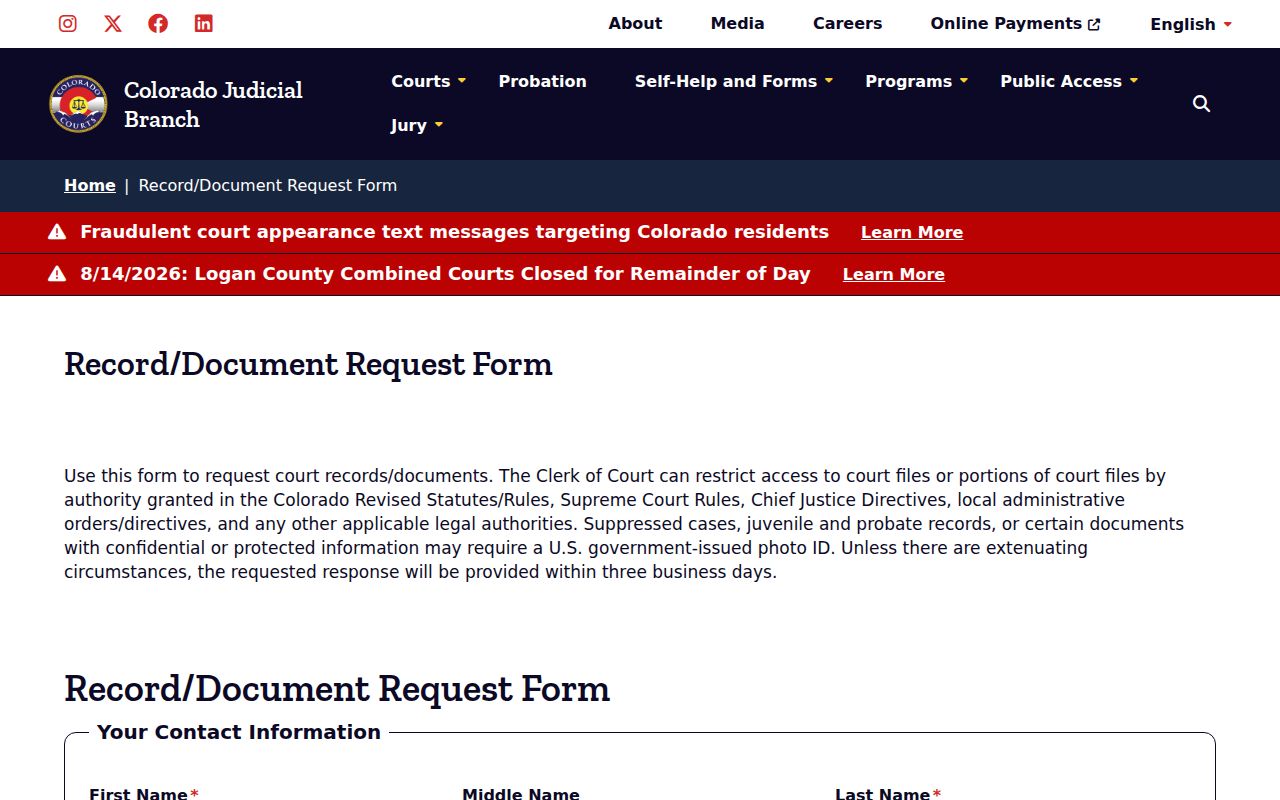
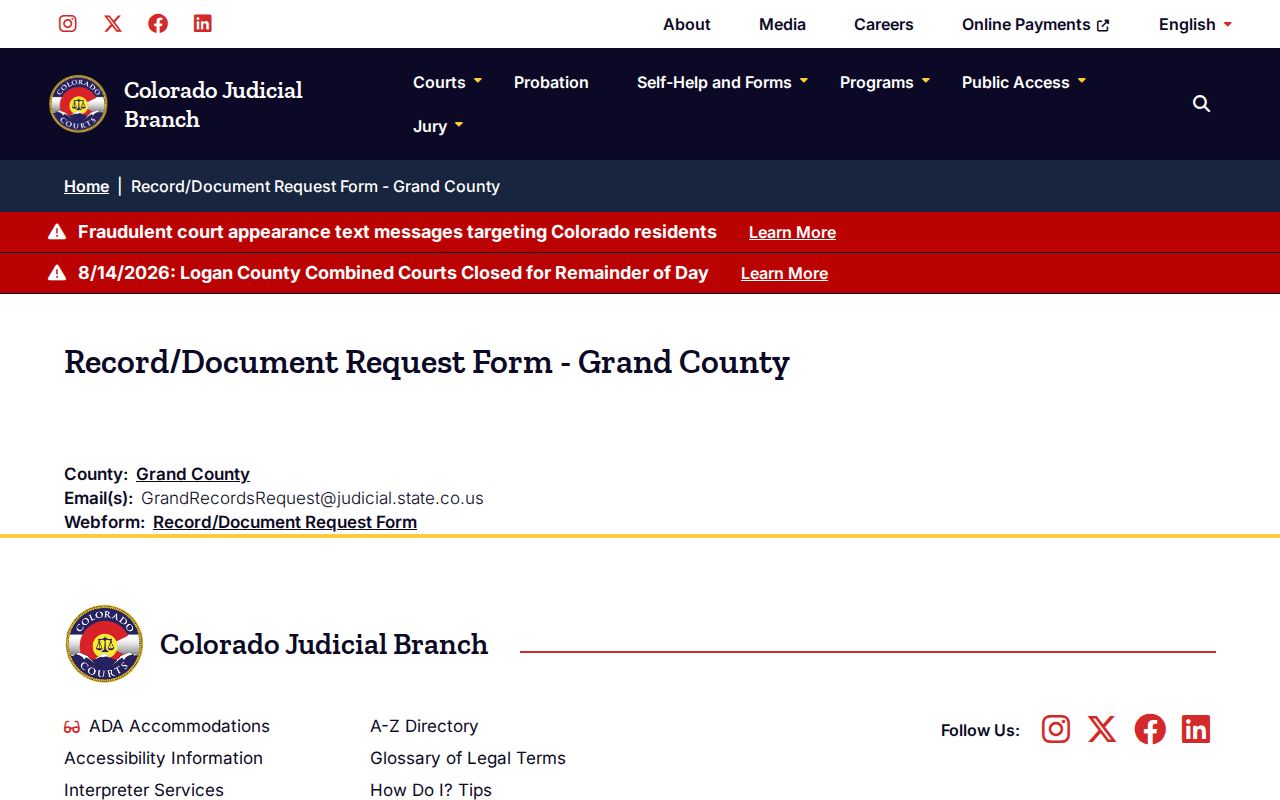
Expect to show identification for a protected request, and plan on a response within three business days unless circumstances require more time. Grand County also posts a local record-request contact page listing GrandRecordsRequest@judicial.state.co.us. It lays out the county-specific path that sits behind the statewide form.
You can also bring a request to the Clerk of Court counter at 307 Moffat Avenue. Mail works too: P.O. Box 192, Hot Sulphur Springs, CO 80451. Phone is 970-725-3357. Call ahead before counting on a public terminal.
Which Cases Stay Restricted
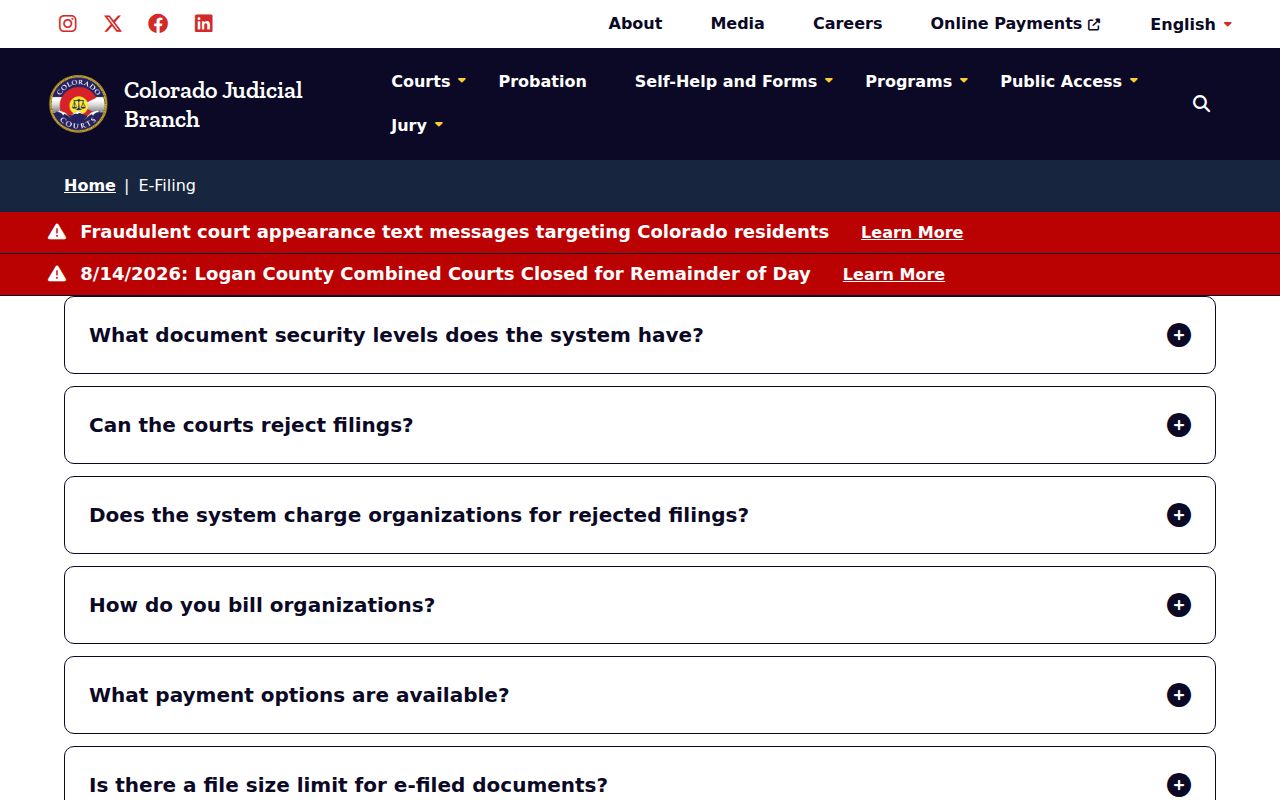
Some Grand County cases never appear in public search. Juvenile, adoption, mental-health, paternity, judicial-bypass, and dependency matters are often restricted. Other protected case types may be restricted too. Statute or court order limits what sealed records release. Suppressed records usually stay open to the court and authorized participants. Protected documents may need redaction first. The Judicial Branch sorts CCE security levels into public, protected, restricted, suppressed, and sealed. Its official page lists those categories plainly. Keep one thing in mind: a missing result never proves no case exists.
Bring government photo identification for any suppressed, juvenile, probate, protected, or confidential request. Access then turns on your authority and the governing rule.
Grand County No-Result Checks
A blank result can mean several things. Widen the date range. Select Both court types. Confirm spelling and case-number pieces. Consider whether the matter is municipal, since a case can exist without a setting in range. Vendor gaps, confidentiality, suppression, restriction, or sealing may also hide it. When a hearing matters, run the docket search again close to the court date. Call 970-725-3357 ext. 7 through the Grand County court office if a reset seems possible. For the full chronology, ask the clerk for the ROA. For the words of an order, request that order itself. The broader Grand County court case records route walks through copy and certification choices.