
How the Grand County Court Calendar Works
The official Grand County Docket Search is the main published calendar for the state trial courts. It covers settings at the Grand County Judicial Center for both Grand County Court and Grand County District Court. The tool is free. You can filter it to Both, County, or District Court. It will not open pleadings, signed orders, or the complete Register of Action.
Six date windows are offered. They are Six Months, Three Months, One Month, One Week, Today, and Specific Date. A date alone is never enough. The search requires at least one other filter. That could be a case number, individual, business, attorney, bar number, or division. Results display twenty rows per page and include export and printable controls.
Which level handles your matter? County Court generally covers traffic, misdemeanors, small claims, evictions, and limited civil cases. District Court generally handles felonies, general civil, domestic, probate, juvenile, and water matters. Choose Both when the level is unclear.
Grand County Calendar Filter Rule
Here is a common misstep. Someone loads the Grand County page, picks a week, and presses Find Dockets with nothing else filled. The tool wants one non-date criterion. A party name works when the case number is unknown. A printed case number is often better. Its four-digit year, class code, and sequence fit into separate controls.
| Filter | Grand County use | Key limit |
|---|---|---|
| Court Type | Both, County, or District | Wrong level can hide the setting |
| Date Range | Six choices through Specific Date | Only scheduled events in range appear |
| Case Number | Year, class, sequence | Not one free-text field |
| Party or Business | Individual or company mode | Must match the selected mode |
| Attorney | Name or bar number | Attorney mode changes the fields |
The portal publishes no wildcard rules, refresh schedule, or maintenance window. Start narrow, then widen the range and test the other court type. An empty result may simply mean no current setting falls in range, not that no Grand County case exists.
Grand County Court Date Lookups
Several channels can confirm a court date. The live calendar is the fastest published source. The Clerk of Court can check a setting by phone or at the counter, and can supply an ROA that may document a continuance, though the free results show no reset history. For a formal history, a mailed or emailed record request works well, but it is useless for a last-minute schedule check.
- Open the Grand-prefiltered docket and select the likely court type.
- Choose a narrow date window and add one required non-date filter.
- Match the full case number, hearing label, location, appearance type, and courtroom.
- Re-search near the hearing and check the Grand court landing page for closure notices.
- Call 970-725-3357 ext. 7 or visit 307 Moffat Avenue if the result is missing or unclear.
- Use the citation and town clerk for a municipal case that never entered the state system.
Mail for the Grand County Clerk of Court goes to P.O. Box 192, Hot Sulphur Springs, CO 80451. Records email goes to GrandRecordsRequest@judicial.state.co.us. The courthouse posts no confirmed public sheet or terminal. Call ahead before relying on either. An attorney may also confirm a party's setting through the court file.
Grand County Search Screens
The statewide Colorado Judicial Branch Docket Search runs the same schedule system without the Grand County filter preset.
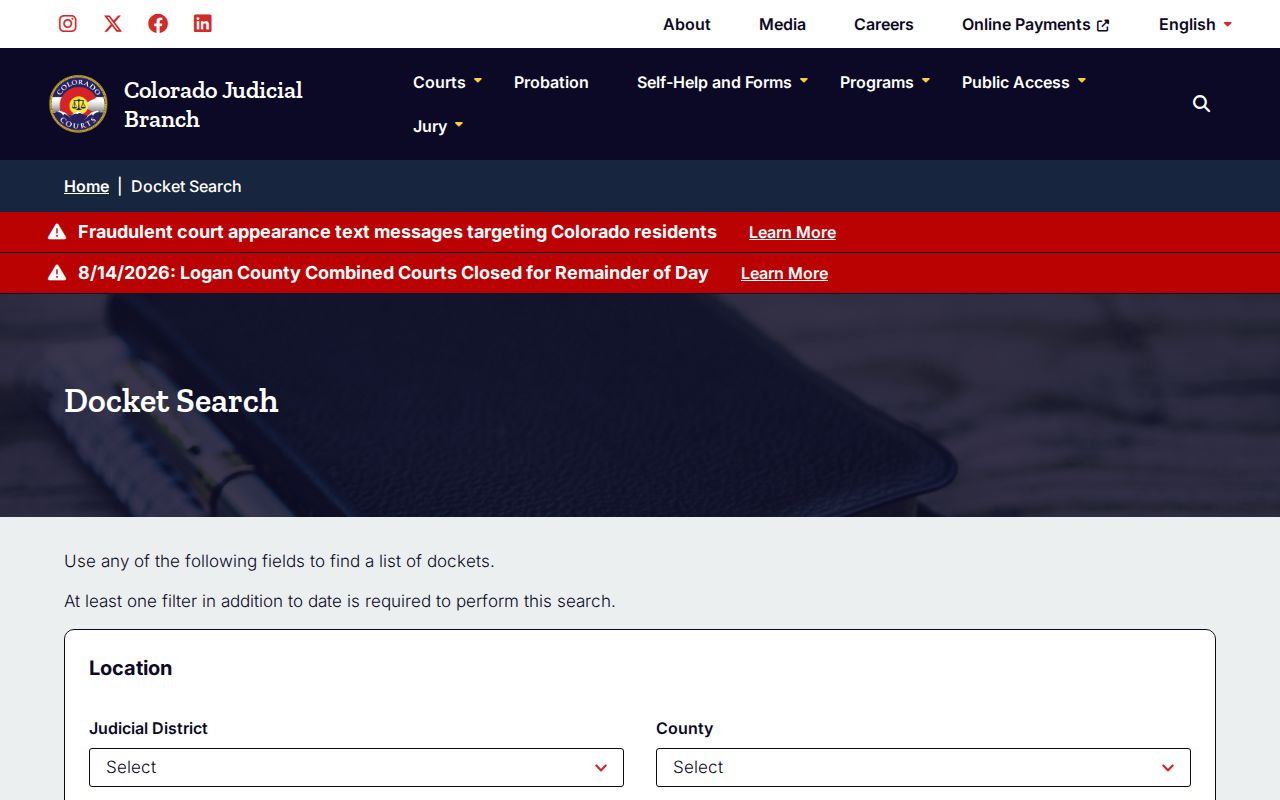
The statewide view helps when venue is uncertain. Choosing Grand County and the Fourteenth Judicial District cuts accidental results from another county. The county-prefiltered view keeps the relevant court and courthouse controls close at hand.
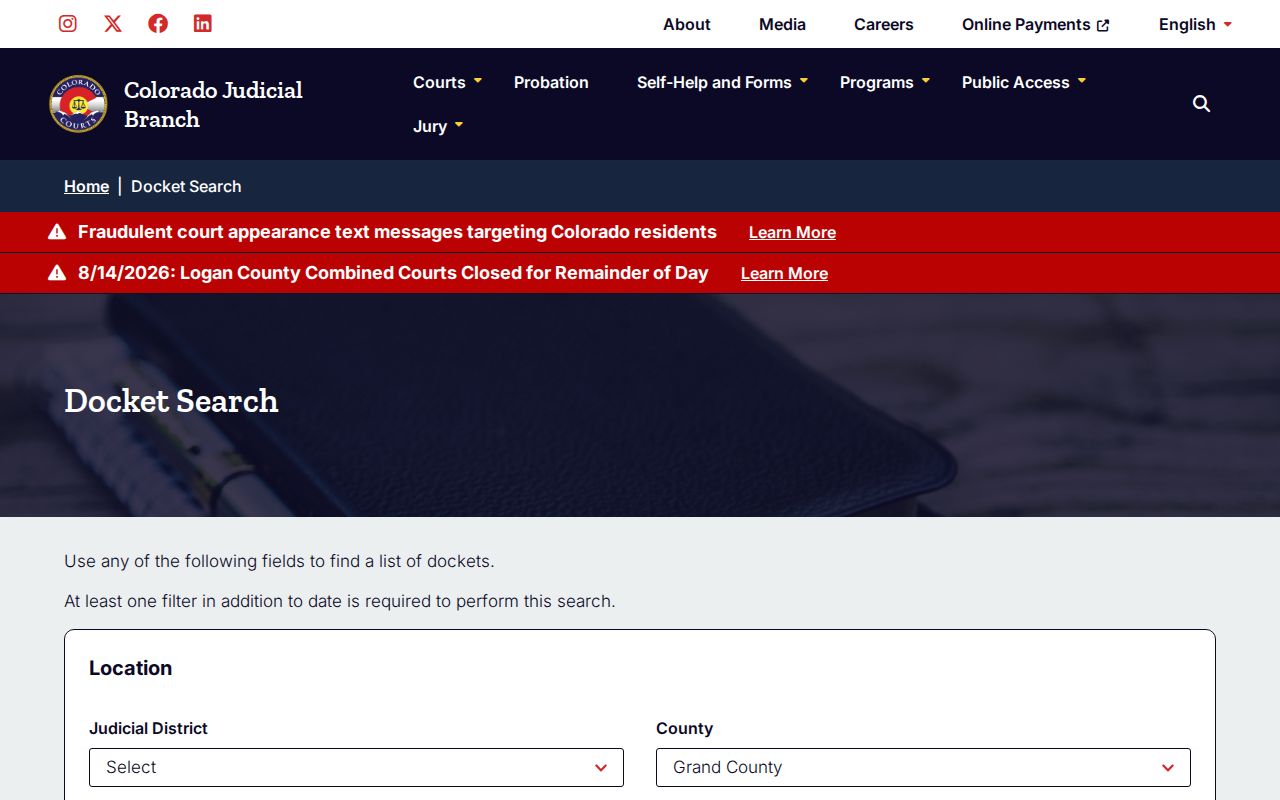
A Grand County schedule lookup still needs one added filter after the date range is chosen. The example on the official page makes that requirement plain.
Court Settings: What Each Field Means
Read a result row field by field. Date and time give the planned start. Duration is the block of court time assigned, not the actual finish time. Hearing Type is the court's scheduling label. Appearance Type shows whether the event is listed as in person, virtual, or by telephone. Location and Courtroom tell you where the setting belongs.
| Date | The calendar day assigned to the event. |
|---|---|
| Time | The scheduled start shown by the court. |
| Duration | Allocated calendar time, not guaranteed length. |
| Courtroom | The room identifier for the setting. |
| Judge or Court | The judicial assignment when exposed in the result context. |
| Hearing Type | A label such as Advisement, Status Conference, or Jury Trial. |
| Appearance Type | IN PERSON, VIRTUAL, or TELEPHONE. |
One name can appear on several rows. One case can hold several events. Row count is not case count. When comparing a saved notice with the live Grand County court schedule, the case number is the safest key.
Grand County Hearing Labels
Labels seen on the Grand County calendar include Appearance on Bond, Hearing on Advisement, PreTrial Conference, Compliance Hrg DV Relinquish, Plea Sentencing Hearing, Show Cause Hearing, NonContested Hearing, Hearing on Citation, Motion to Modify Hearing, Dissolution Permanent Orders, Hearing on Guardianship, Status Conference, and Jury Trial. Each label names a scheduled function. None proves what happened.
- Advisement
- A setting where rights and charge information may be addressed.
- Pretrial Conference
- An event about preparation or possible resolution before trial.
- Status Conference
- A case-management event used to review progress and next steps.
- Duration
- The amount of calendar time set aside.
- Appearance Type
- The listed physical or remote mode for the event.
The calendar has also shown F45 6 Disposition Hearing. No official glossary expands that shorthand, so preserve the label and ask the clerk rather than guessing. A Disposition Hearing remains a scheduled event, not proof of any final outcome.
When a Court Date Moves
A Grand County hearing can slide to a new day through a continuance or reset. The public results never display that reset history, though. Treat Export and Printable Version as snapshots. Either one freezes a moment. Neither is the live calendar. So run the same docket search again before you drive anywhere. Do that above all when a lawyer, the other party, or a court notice hints that something shifted.
Check the Grand County court landing page for closures, delays, and temporary counter notices. Does the live portal disagree with a notice you already hold? Then call the main clerk line. Want the full story of a continuance? Request the ROA. Want the binding language of an order that changed a date? Request that order itself.
A row that disappears does not mean the hearing was cancelled. The date filter may have simply moved past the event. Other culprits: a wrong court level, a restricted matter, or a new hearing date on another day.
Grand County Remote Appearance Checks
Appearance Type may read VIRTUAL or TELEPHONE. That label helps you plan, nothing more. It is not permission to appear from home. For court-approved connection steps, use the Grand Virtual Courtroom resource or call the clerk. And remember that watching a public livestream is not an appearance.
An in-person label deserves the same caution. Confirm the room and court location first. Then factor in closures and mountain travel. Standard hours run weekdays, 8:00 a.m. to 5:00 p.m., with a break from noon to 1:00 p.m., though clerk service can be cut back at times. A quick call beats a wasted trip.
Remote setting rule: Verify both the appearance type and the approved connection details with the Grand County court.
Grand County Return-Date Rhythms
A few Grand County scheduling habits live beside the main court docket search. Small-claims summons returns happen in person on Wednesdays. Civil return dates are taken whenever the clerk's window is open. Civil protection-order papers handed in after 4:30 p.m. wait until the next business day, and weekend or holiday bond schedules can shift criminal timing too.
These rhythms explain a case. They never replace its actual setting, though. A Grand County docket entry still depends on the court's landing page and the clerk. It is not the searchable calendar alone that controls. The free system publishes no standalone Grand daily PDF. No coordinator-only phone line exists either.
Municipal courts keep separate schedules. Granby and the shared Fraser/Winter Park court post their own session information. Kremmling and Hot Sulphur Springs list no official court page in the town records dated August 14, 2026, so a town citation or an official town contact is the safe fallback for a docket lookup there.
Missed Settings and What Comes Next
Missed a date? Contact the right court at once. For a state case, call the Grand County Clerk of Court with the year, class, sequence, name, and hearing date in hand. Ask what the docket now shows and whether a new setting or court order exists. On a municipal charge, use the court named on the citation. The Combined Court may not reset it for you.
Missed a Grand County setting? A missed event can have case-specific consequences, so do not wait for the next online result.
Call the clerk or your attorney promptly and follow the court's instructions. Do not appear remotely or in person based on an old printout.
The docket result cannot tell you how the judge treated the absence. Assume nothing. Across criminal, civil, traffic, and municipal cases, there is no single generic consequence. The ROA may note the next event, while the order itself spells out its terms. Want formal proof? Request the official document from the clerk.